
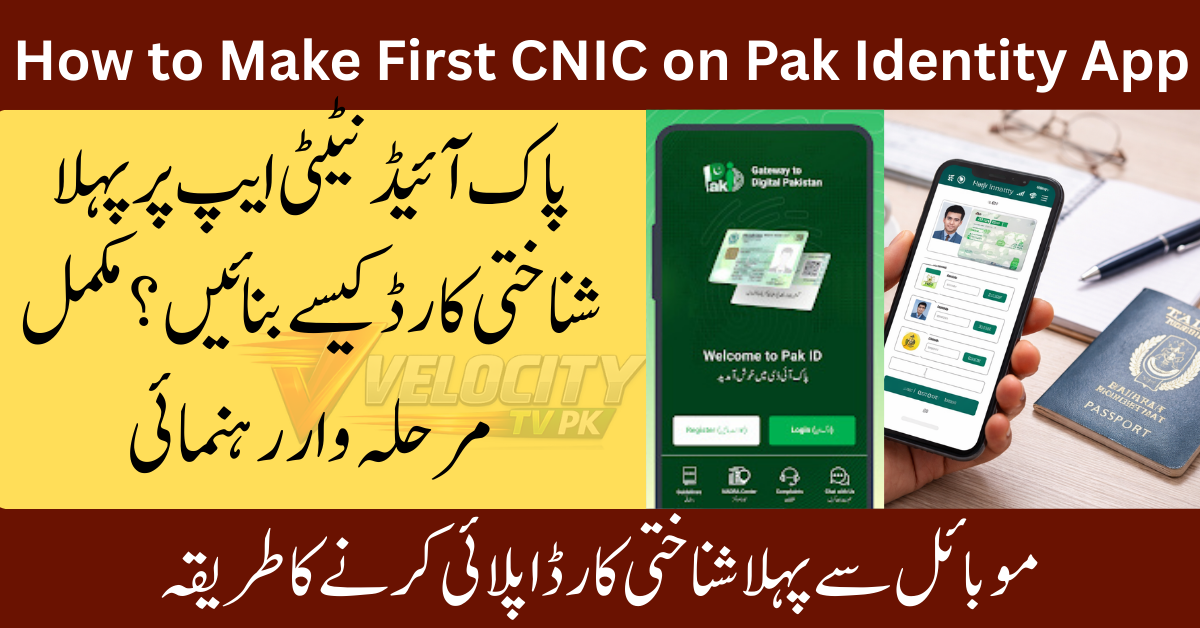
If you recently turned 18 and want to become a registered citizen of Pakistan, your first step is to make first CNIC on Pak Identity App. NADRA now allows Pakistani citizens to start their CNIC application process in Pakistan from their mobile phone without standing in long queues.
This guide explains everything in simple English. You will learn how to apply CNIC online Pakistan, what documents you need, how biometric verification works, and how to track your CNIC using your NADRA tracking ID.
Let’s start your first time CNIC registration the easy way.
What Is the Pak Identity App NADRA?
The Pak Identity App NADRA is an official mobile application by NADRA that helps citizens apply for identity documents online. You can use it to:
- Apply for first CNIC
- Renew CNIC
- Modify personal details
- Track your application status
It saves time, travel costs, and long waiting hours at NADRA offices.
How to Apply NADRA Marriage Certificate Online via Pak-Identity App
Step-by-Step Guide to Make First CNIC on Pak Identity App
It is not an easy for you to
Follow these simple steps to complete your NADRA online CNIC process.
Step 1: Download the Pak Identity App
- Open Google Play Store or Apple App Store
- Search for Pak Identity App NADRA
- Install the official NADRA app
Step 2: Create Your Account
Here use father & mother detail to login in becuse if you’ve no cnic it’ll be hard for to make account on pak identity app.
- Open the app
- Enter your mobile number
- Verify with OTP code
- Set your password and login
Step 3: Start New CNIC Application
- Tap on “New Application”
- Select First Time CNIC Registration
- Choose “Pakistani Citizen”
Step 4: Fill in Personal Information
Enter details carefully:
- Full name
- Father or guardian name
- Date of birth
- Address (permanent and present)
- Mobile number
Make sure all details match your B-Form.
Step 5: Upload Required Documents
The app will ask you to upload:
- B-Form photo
- Parent or guardian CNIC photo
- Passport-size photo
Use clear images for fast approval.
Step 6: Biometric Verification
- Visit a NADRA mobile registration center or selected biometric point
- Verify fingerprints and photo
- The system updates your application automatically
Step 7: Pay the Fee
- Pay online using bank card or mobile wallet
- Choose normal, urgent, or executive processing
Step 8: Get NADRA Tracking ID
After submission, the app gives you a NADRA tracking ID. Use it to track your CNIC status anytime.
How to Check & Update Marital Status in NADRA Record (Complete Guide 2026)
Eligibility Criteria for First CNIC in Pakistan
You can apply if:
- You are 18 years old or above
- You have a valid NADRA B-Form
- One parent or guardian has a valid CNIC
- You are a Pakistani citizen
Required Documents for CNIC
Here is a simple checklist of required documents for CNIC:
- Original NADRA B-Form
- Father or mother’s CNIC
- Passport-size photograph
- Active mobile number
- Biometric verification confirmation
Keep digital copies ready for smooth uploading.
Fees and CNIC Delivery Time in Pakistan
Fee Structure (May Vary)
- Normal: Free or low cost
- Urgent: Medium fee
- Executive: Highest fee for fast service
CNIC Delivery Time in Pakistan
- Normal: 30–45 days
- Urgent: 15–20 days
- Executive: 7–10 days
You can track progress anytime through the app using your tracking ID.
How to Add Your Spouse’s Name to NADRA Database (Pakistan) — Complete 2026 Guide
Common Mistakes to Avoid
Avoid these mistakes during CNIC application process Pakistan:
- Uploading blurry documents
- Entering wrong spellings
- Skipping biometric verification
- Using inactive mobile number
- Not saving NADRA tracking ID
These errors can delay your CNIC delivery.
Benefits of Applying CNIC Online
When you apply CNIC online Pakistan, you enjoy:
- No long NADRA lines
- 24/7 application access
- Easy tracking system
- Secure data submission
- Fast processing options
This method works best for students, workers, and overseas Pakistanis.
Troubleshooting and Support
App Not Working?
- Clear app cache
- Update to the latest version
- Check internet connection
Biometric Failed?
- Visit another NADRA center
- Clean fingers before scan
- Contact NADRA helpline
Payment Issue?
- Try different payment method
- Contact your bank
- Use mobile wallet option
How to Apply NADRA B-Form Online While Living Abroad (Saudi Arabia & UAE)
Frequently Asked Questions (FAQs)
Can I apply for first CNIC without B-Form?
No. NADRA requires a valid B-Form for first time CNIC registration.
How long does NADRA take to deliver CNIC?
Delivery depends on your service type. Normal takes up to 45 days, while executive can take as little as 7 days.
Is biometric verification required?
Yes. Biometric verification is mandatory to complete your application.
What if Pak Identity App is not working?
Update the app, restart your phone, or visit a NADRA registration center for help.
Can I track my CNIC online?
Yes. Use your NADRA tracking ID inside the app to check status.
Is online CNIC application safe?
Yes. NADRA uses secure systems to protect your personal data.
Can students apply for CNIC online?
Yes. Students above 18 years can apply using their B-Form and parent CNIC.
What happens if I enter wrong details?
Your application may get rejected or delayed. Always double-check before submitting.
Final Words
Now you know exactly how to make first CNIC on Pak Identity App without stress or confusion. This simple online method saves time and helps you become an official registered citizen of Pakistan quickly.